Counting Macros Made Easy - Best App to Track Macros
Forget manual math. CheckMyMeal simplifies counting macros with AI photo recognition. Just snap a photo and see your nutrients in 15 seconds.
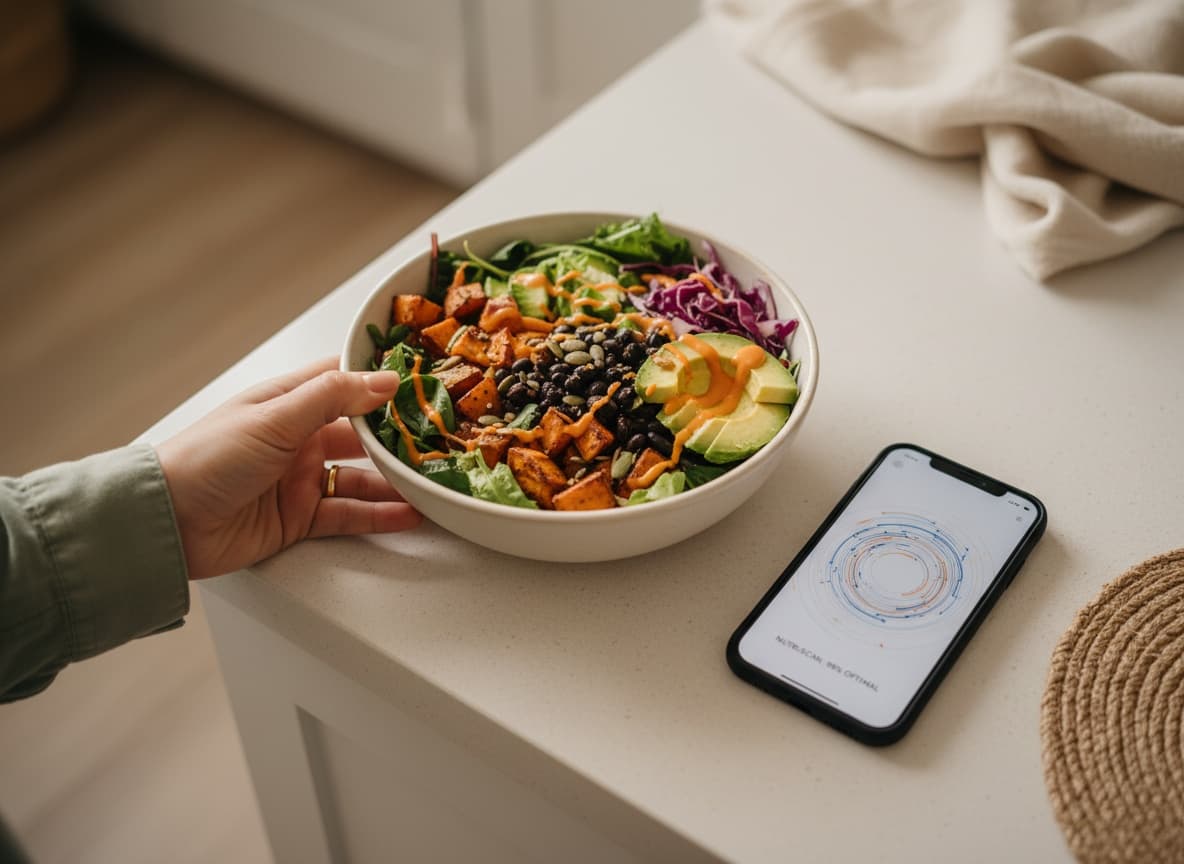
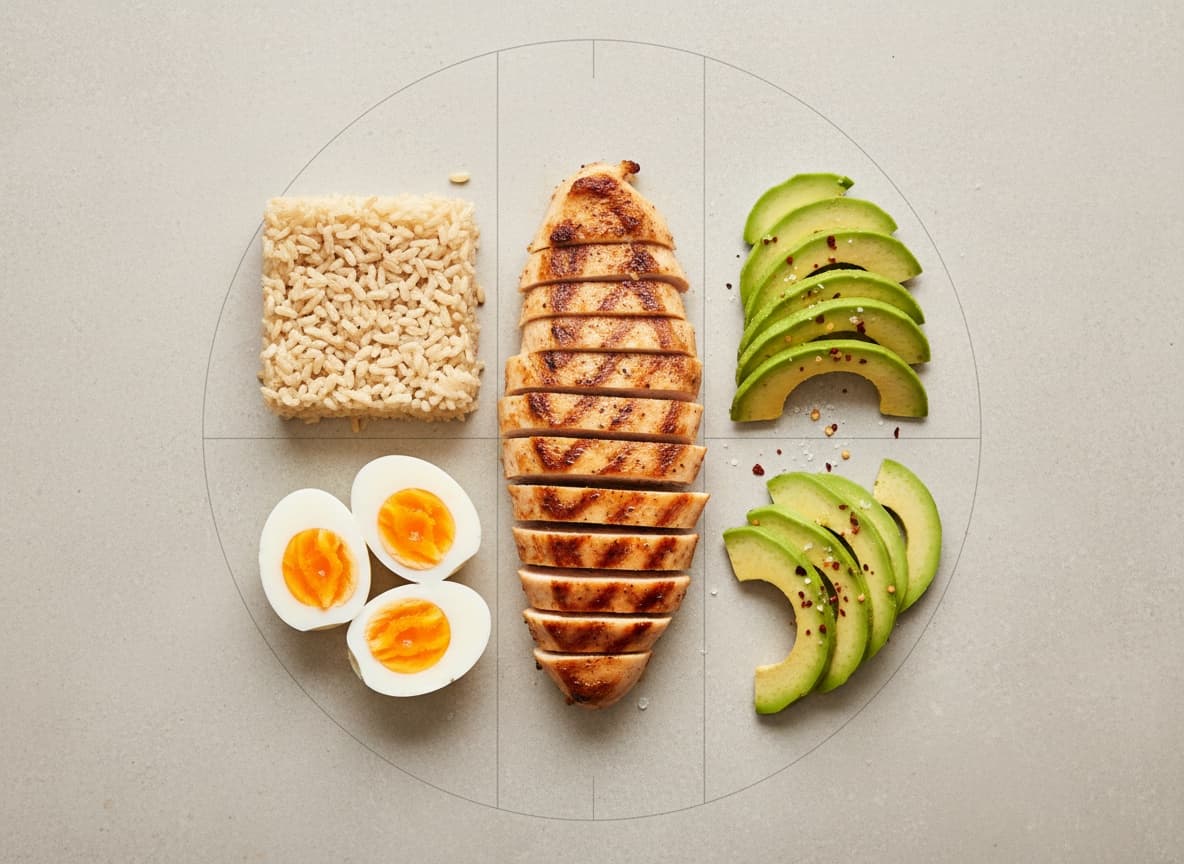
Why tracking protein, carbs, and fats matters for your body composition goals
The Science Behind Counting Macros
Have you been eating "pretty healthy" for 3 months and still can't figure out why the scale won't move? The issue may be unrelated to your effort. You just need to better figure out how calorific the food is. Macros counting with CheckMyMeal gives you that visibility. Protein rebuilds muscle after every workout, while carbs fuel your next session. Fats regulate the hormones that control hunger. When you know how much of each you're eating, your body starts responding the way it's supposed to.
Explore More
How Do You Track Macros the Traditional Way?
When using a generic app, you need to open a food database and Type in the name of the dish. Next, you have to scroll through 40+ near-identical entries, each with slightly different numbers. You pick the one that looks closest. Then you estimate the weight by eye, which research puts at a 30–50% error rate on a good day. You do this for every ingredient in every meal, every single day. The process is exhausting, and eventually you give up.
CheckMyMeal works differently. Instead of tiring you with massive databases and lists, it only asks you to snap a photo and share it. Next, the app starts calculating macros in food automatically.
Calculating Macros in Food Made Simple
When estimating macros in food, it is important to know how much protein, carbohydrate, and fat your meals contain and compare the numbers to a daily target built around your specific body. Those targets aren't one-size-fits-all. They shift based on your weight, your activity level, and what your body is doing right now. Unfortunately, some apps on the market rely on templates.
CheckMyMeal syncs with Apple Health, so when your activity changes, e.g., a heavier training week or a long walk you didn't plan, your calorie and macro targets adjust automatically. Using CheckMyMeal.
How to Count Macronutrients Without Losing Your Mind
If you've Googled how to count macronutrients or wondered how to macro count without spreadsheets, here's where most guides stop short. They explain the math, then leave you to do it three times a day. Such repetition can kill the most avid motivation. CheckMyMeal removes the repetition entirely. Snap a photo of your meal, and the AI identifies ingredients, estimates portions, and logs everything promptly.
When driving back from the gym and feeling reluctant to open anything, you can take advantage of the voice logging. Our app to count macros catches up with you. Counting macros for weight loss is also easy with CheckMyMeal. It is always at hand and lets you keep tabs on calorie intake with no effort on your part.

Ready to Ditch Manual Macro Counting?
How do you track macros? The easiest way is to use CheckMyMeal. It is the best app for counting macros that builds a clear nutrition picture around your metabolism, automatically. Ready to try?
Get Started